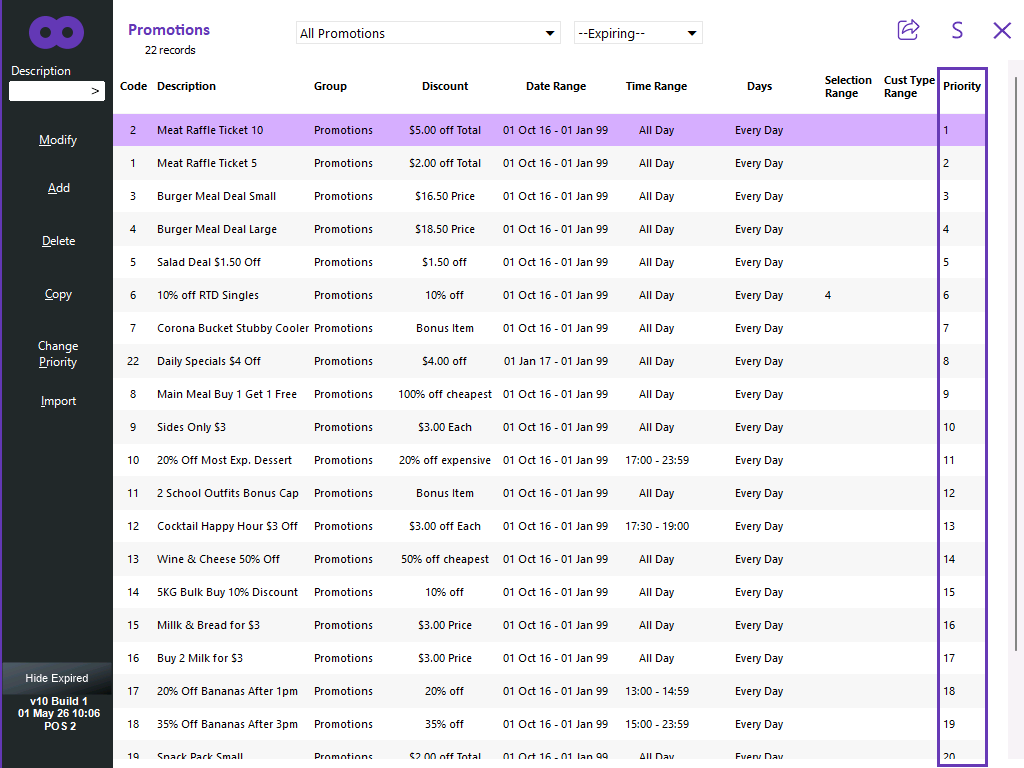
Promotions can be sorted by the values in each of the columns by clicking on the relevant column header.
When the Promotions window is opened, it will default to sorting by Priority order.
To change the sort order, click on any of the column headers in the Promotions window to sort by the values in the selected column.
E.g. Clicking on the Description column header will sort by the Promotion Descriptions.
Clicking on a column header multiple times will alternate between sorting by that column in ascending order or descending order.
The "Change Priority" button will be greyed out when the Promotions are not sorted by the Priority.
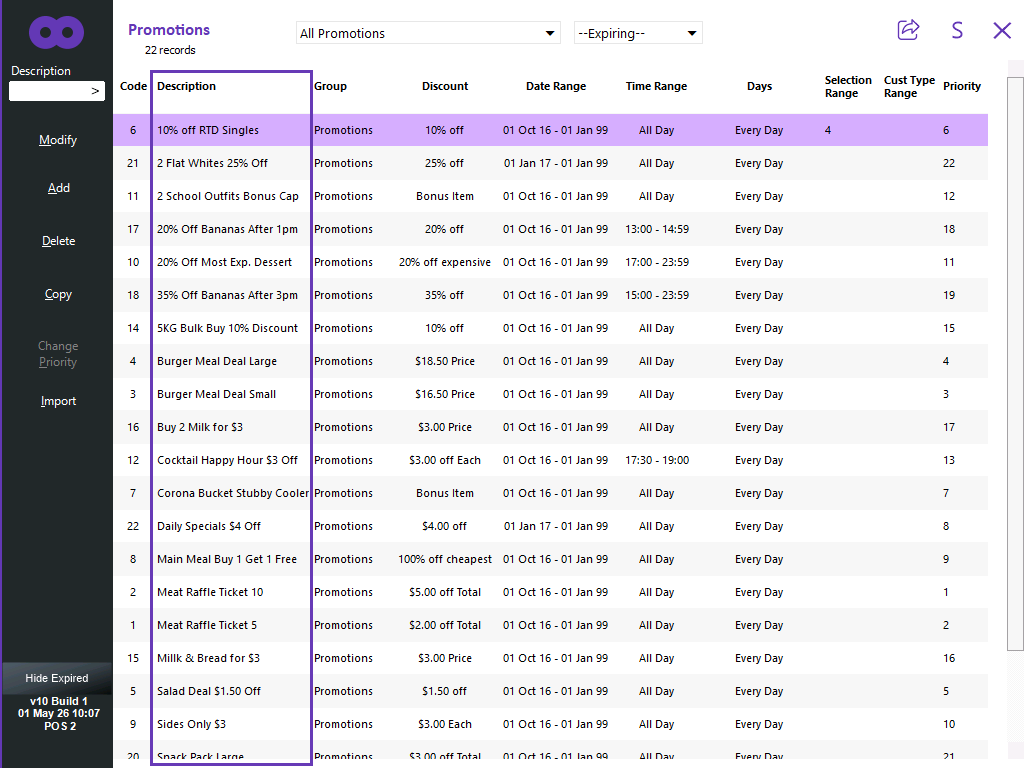
When the Promotions window is closed/opened, it will revert to sorting Promotions by Priority in ascending order which will also re-enable access to the Change Priority button.
Alternatively, the Priority column header can be pressed to sort the Promotions by Priority, which will re-enable access to the Change Priority button (Promotions must be sorted in Priority ascending order for the "Change Priority" button to be available).
